 Family Reunion Articles
All articles · Virtual & Long-Distance
The 45-Minute Family Show and Tell Video Call
Run a 45-minute family show and tell on a video call: pick one theme, set a speaking order and keep big calls moving.
by Ian · 5 min read
The short version
Family video calls tend to drag when nobody has a plan. Give yours a theme and a clock.
- Pick one theme, like pets, an heirloom or a favorite corner of your home, and ask everyone to bring one thing.
- Post a speaking order and give each household about two and a half minutes.
- Name a timekeeper who isn't the host.
Forty-five minutes, then goodbyes while everyone still wants more.
A family video call drags when nobody has a plan. This guide is for the relative who wants to get scattered family onto one video call that people enjoy and come back to. You'll get a 45-minute plan, a list of themes that work, and a turn-taking system that holds up even with a dozen households on screen.
Best for
- Group size: 4 to 15 households. Past that, split into two calls.
- Energy level: Low. Everyone stays in their own chair.
- Prep effort: Low. You need a theme, a speaking order and one test call.
- Budget level: Low. You need the video call app the family already uses.
- Ages: All ages. Kids love showing a pet or a drawing, and older relatives often bring the best objects and stories. Teens make good timekeepers and tech helpers.
Before the call
- 3 weeks out: Pick the theme and find a date. If the family is spread across time zones, look for a weekend afternoon or early evening that isn't too early for the relatives farthest west or too late for the ones farthest east.
- 2 weeks out: Send the invite with the call time written out for every zone the family lives in, like "4:00 p.m. here, 1:00 p.m. for the cousins out west." Ask who's coming and who wants a turn.
- 1 week out: Post the speaking order. Name three people: a host who runs the call, a timekeeper who watches the clock, and a tech helper who answers "I can't hear you" in the chat.
- 3 days out: Do a short test call with any relative who's new to your video call app. Show them mute, camera on and off, and live captions if the app has them.
- Day of, 30 minutes before: The host opens the call early. Plug in laptops, and put a lamp in front of you, not behind you.
Run of show
Here's the plan for ten households:
- 0:00 to 0:05 Join, wave and sort out sound. The host welcomes everyone, names the theme and reads the order.
- 0:05 to 0:35 Show and tell turns. Ten households at two and a half minutes each is 25 minutes, plus about five for handoffs.
- 0:35 to 0:42 Open floor for questions ("Wait, go back to the clock. Where did it come from?"), then the kids' lightning round.
- 0:42 to 0:45 Set the next call's date and theme, take a screenshot if everyone's okay with it, and say goodbye.
The math changes with the group. With six households, give each one four minutes. With fifteen, drop to under two minutes each, or split into two calls.
Themes that work
Pick one theme per call and ask each household to bring one item or one story. Here's a starter list, with a prompt for each:
- Home tour: Show one room or your favorite corner, and say why it's your favorite.
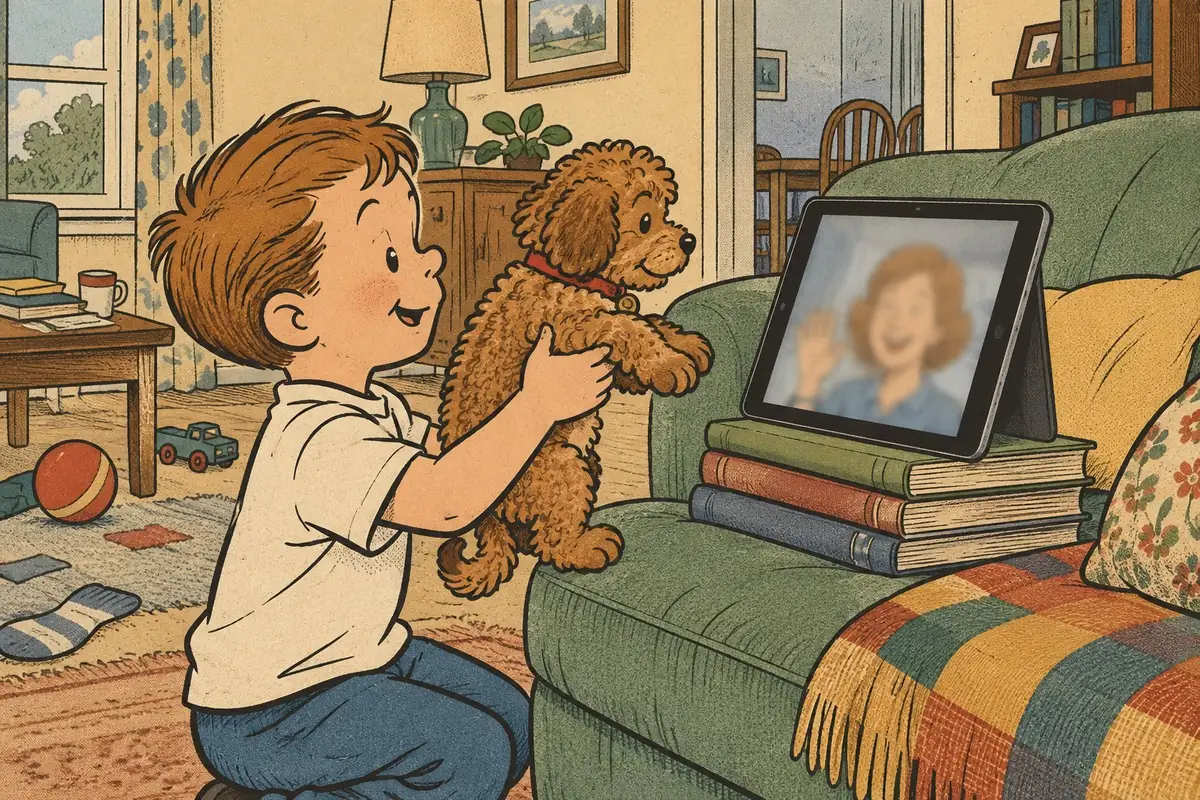
- Pets: Their name, one odd habit, and one trick (or attempted trick).
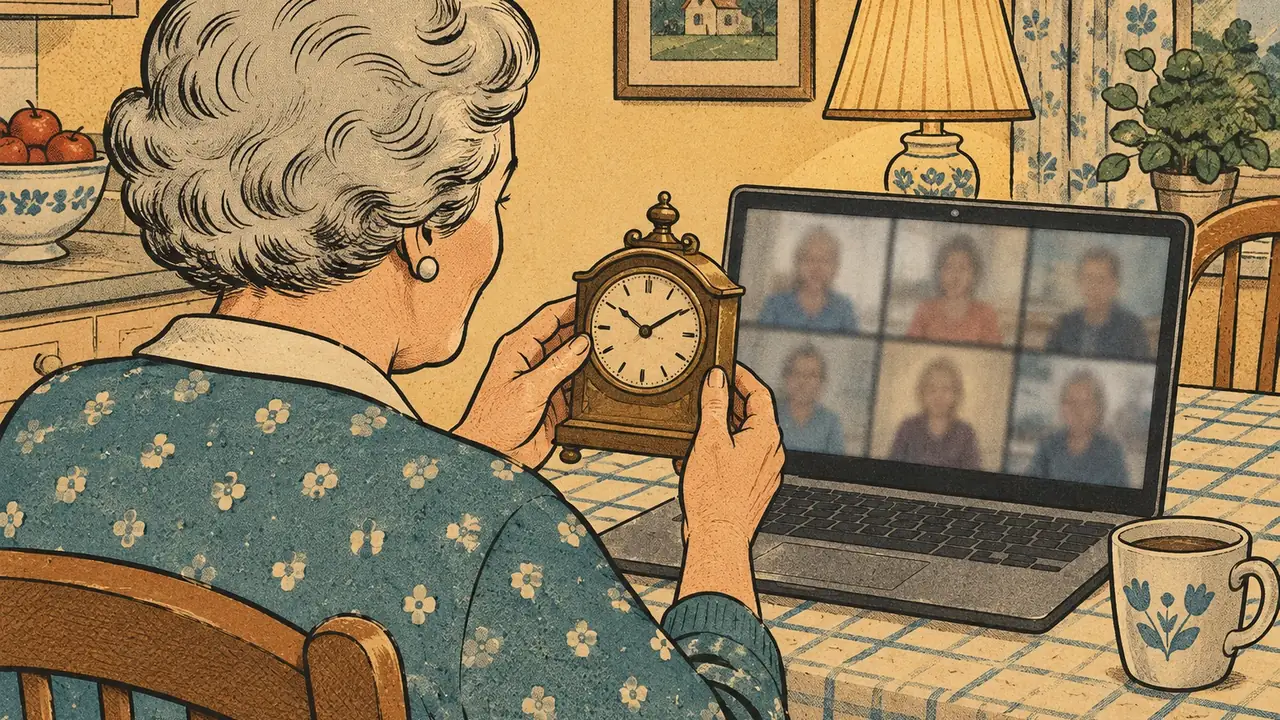
- An heirloom: An object, where it came from, and who had it before you.
- A trip: One photo, one story, and one thing that went wrong.
- A hobby: Something you've made or are halfway through making.
- The kitchen: A dish you make often. Hold up the pan you make it in.
- Then and now: Hold up an old photo of yourself, then try the same pose.
The heirloom call is often the one people remember. Ask an older relative ahead of time if they'd like to go last, so their turn can run a little longer.
Turn-taking on a big call
A call with twelve households falls apart without a few simple rules. Read these out at the start.
- The order is posted. Put it in the chat and read it aloud. Group people by household, so a family of five gets one turn with everyone in the frame.
- Say who's next. The host says, "Next is Grandma, then the cousins' house." That way the next speaker is ready and unmuted.
- Speaker unmuted, everyone else muted. It cuts the echo and the barking dog.
- The 30-second signal. The timekeeper holds up a hand or says "thirty seconds" kindly. It's a nudge, not a buzzer.
- Questions go in the chat. The host reads one question at the end of each turn, then moves on. The rest wait for the open floor.
- A lightning round for kids. Kids who want another go get 30 seconds each at the end.
Helping everyone see and hear
- Turn on live captions if your app has them, and tell relatives with hearing trouble where to find them.
- Show things close and slow. Hold the item about a foot or two from the camera, keep it still for a few seconds, and say out loud what it is.
- Light from the front. A window or lamp behind you turns you into a shadow.
- Phones go sideways. If someone's on a phone, prop it against something so it doesn't wobble.
- Put a helper in the room for any relative who's new to video calls. A teen can be a patient tech helper.
- Relatives who'd rather just listen can join with the camera off. They're still part of it.
- No computer? A relative can still listen in by phone if your video call app offers a call-in number.
Common pitfalls
- The call runs past an hour. Fix: hold the 45 minutes. Save the leftovers for next month.
- One turn runs ten minutes. Fix: a timekeeper who isn't the host, and the 30-second signal for everyone, including Grandpa.
- Echo and background noise. Fix: mute when you're not speaking, use headphones if you can, and keep to one device per room.
- The time zone mix-up. Fix: write the time out for every zone in the invite.
- Nobody can see the item. Fix: hold it close, hold it still and describe it out loud.
Forty-five minutes is enough. Say goodbye while everyone still wants more, and save the rest for next month.