 Family Reunion Articles
All articles · Virtual & Long-Distance
Family Oral History Over Video: Questions, Permission, Photos
Record an older relative's life stories on a video call: scan the photos, ask eight good questions, get a clear yes and save it.
by Ian · 6 min read
The short version
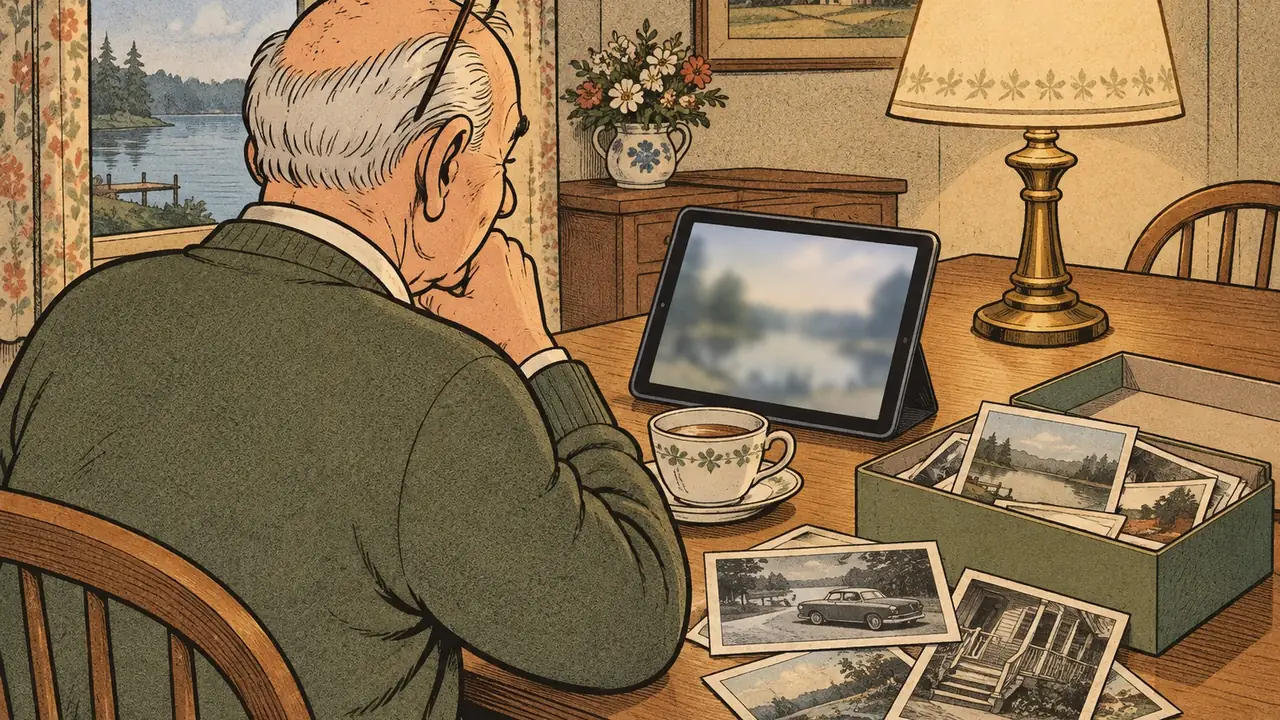
The stories behind the old photos only last as long as the people who remember them. One video call can save a lot of them.
- Scan a small stack of photos ahead of time and walk through them one at a time.
- Send the questions two weeks early so nobody's put on the spot.
- Ask before you record, and say who will see it.
Then write it up within a week, while it's fresh.
This guide is for the relative who wants to sit an older family member down, even from far away, and save their stories. You'll get a way to scan old photos, eight questions that get people talking, a plain permission script, and a plan for saving what you hear.
Best for
- Group size: One storyteller, one interviewer and up to six listeners. More than that and it turns into a party, not a conversation.
- Energy level: Low. It's a long, easy talk.
- Prep effort: Medium. Scanning photos and setting up the call take a few evenings.
- Budget level: Low. A phone or a scanner does the job.
- Ages: Teens and adults make the best interviewers. Kids can listen and ask one question each. The storyteller can be any older relative who wants to do it.
Before the call
- 4 weeks out: Ask the storyteller, privately, whether they'd like to do this. Tell them what it is: an hour of looking at old photos and talking. Let them say no, or "not yet."
- 3 weeks out: Gather 15 to 20 photos. If a relative lives near the storyteller, they can scan them in person. Otherwise ask someone in the storyteller's household to scan a small batch with a phone, rather than mailing originals that can't be replaced.
- 2 weeks out: Send the storyteller the questions below, in large print if that helps, so they can think about them. Pick a date and time of day when they're at their best.
- 1 week out: Pick one interviewer and one note-taker. If you can, put a helper in the room with the storyteller to handle the camera and sound. Do a test call and a test recording.
- 2 days out: Put the scanned photos in the order you'll show them, one per slide or one per file.
- Day of: Water or tea for the storyteller, a comfortable chair, a lamp in front of them, their hearing aids or headphones if they use them, and the TV off.
Run of show
- 0:00 to 0:05 Hellos. Turn on live captions if your video call app has them. The interviewer reads the permission script (below).
- 0:05 to 0:25 The photo walk. The interviewer shares one photo at a time and asks, "Who's this? Where were you? What happened that day?"
- 0:25 to 0:30 Break. Stretch, refill the tea.
- 0:30 to 0:50 The questions, picking the ones the storyteller seems to enjoy.
- 0:50 to 0:57 One question each from the listeners.
- 0:57 to 1:00 Thank them, and tell them when they'll see the write-up.
If the storyteller tires, stop. You can always do a second call.
Listeners who can't make the time can send a question ahead, and the interviewer asks it for them.
Eight questions that get people talking
Ask them in order, and skip any that don't land.
- Where did you grow up, and what could you see from your front door?
- What did a normal school day look like for you?
- What was your first job, and what did you do with your first paycheck?
- Who did you look up to when you were young, and why?
- What's a meal that takes you straight back to being a kid?
- Who were your closest friends when you were twenty, and what did you do together?
- What's something that's changed a lot since you were young, for better or worse?
- What do you want the great-grandkids to know about you?
Ask follow-ups, not new questions. "What happened next?" and "What did that smell like?" do more than anything on the list. And let the quiet sit for a few seconds. People often say the best part after a pause.
The permission script
Read this before you press record, in your own words if you like:
"Before we start, here's what we'd like to do. We'd like to record this call so the family can hear your stories later. The recording and our notes will be shared with the family, and nobody else. You can skip any question, stop any time, or ask us to cut something afterward, and we will. Is it okay if we record?"
Wait for a clear yes. If the answer is "I'd rather you didn't," take notes instead and don't record. If it's yes, start the recording and ask once more, so the yes is saved in the storyteller's own voice. This is about respect, not paperwork. Ask the listeners, too, since their faces and voices end up on the recording.
Scanning old photos
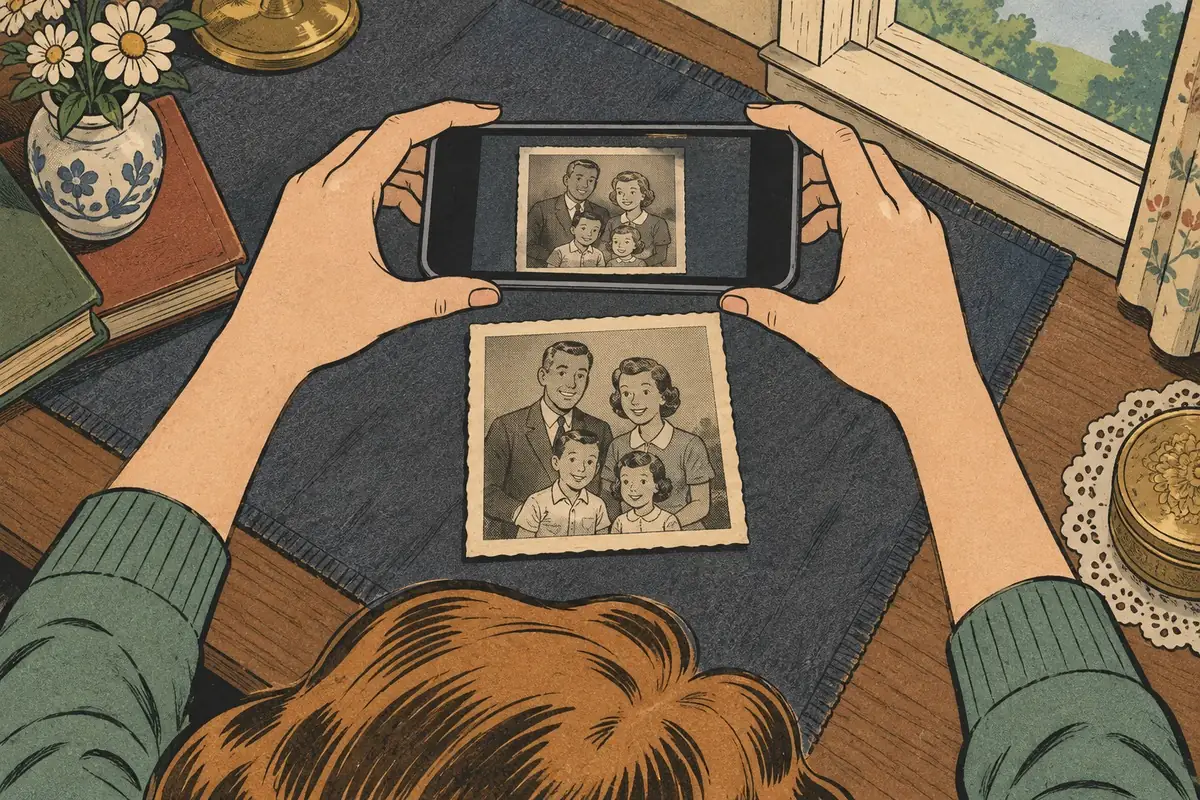
- With a phone: Lay the photo flat on a dark cloth near a window, out of direct sun. Hold the phone straight above it, turn the flash off to avoid glare, tap the screen to focus, and crop to the edges.
- With a flatbed scanner: Use the photo setting at a high resolution, which is how much detail it picks up, and go higher for small prints you may want to enlarge. Wipe the glass first.
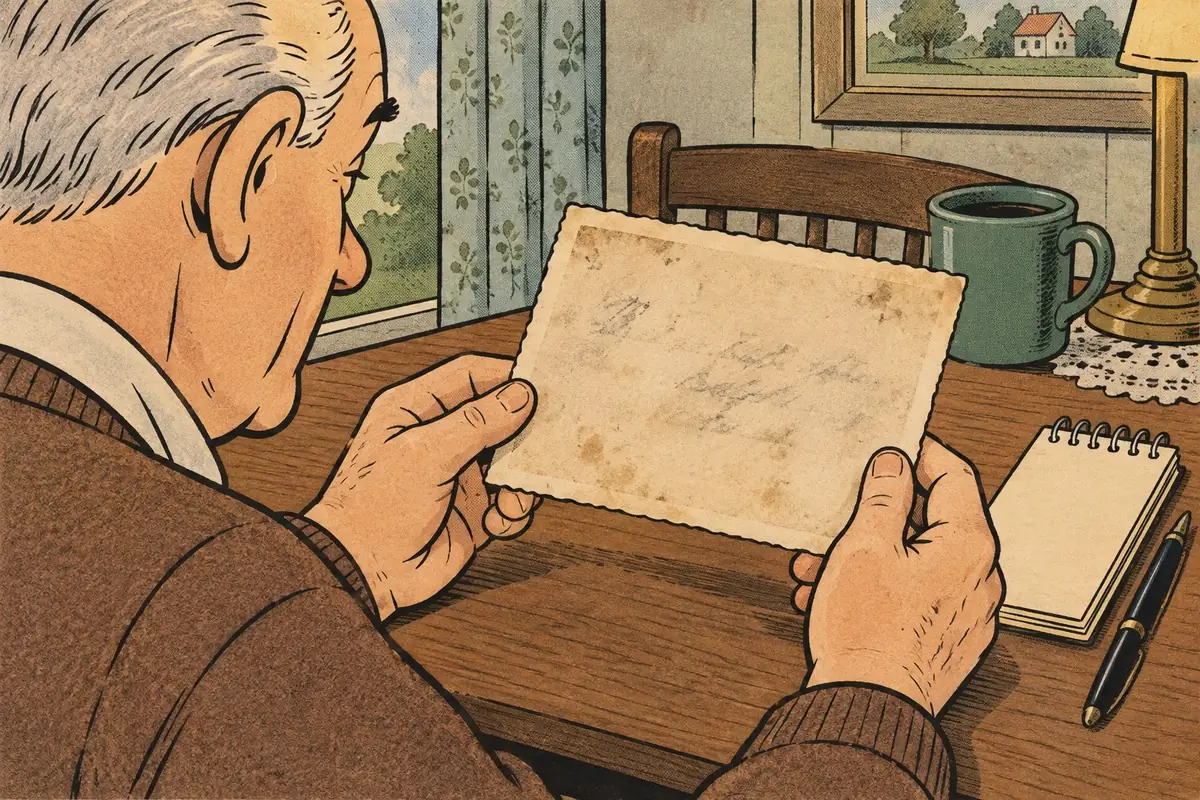
- Read the back first. Write down anything on the back of the photo before you scan it, and scan the back too if it has writing.
- Name the files so they sort: year, place, then a number, like "1968-lake-03." If you only know the decade, use "1960s."
Saving it afterward
Within a week, the note-taker writes a one- or two-page summary, in the storyteller's own words where possible. Send it to the storyteller first and fix anything they want changed.
If you recorded, cut a few short clips of the favorite stories, one to two minutes each, so the family can hear a story without sitting through the whole hour. Send the written summary along with the clips for anyone with hearing trouble. Keep the full recording and the scans in two places, so one lost phone doesn't take them all. Share the photos with the family once the storyteller says yes, and check with anyone else who's in them.
Common pitfalls
- Too many questions. Fix: eight is plenty. Follow the stories, not the list.
- The interviewer talks too much. Fix: one interviewer, short questions, and long pauses.
- A surprise recording. Fix: the permission script, every time.
- Bad sound. Fix: a helper in the room, the TV off, and the storyteller close to the device.
- Glare on every photo. Fix: window light, no flash, and the phone straight above.
- The notes never get written up. Fix: name the note-taker ahead of time and set a date for the summary.
Start with one hour and a small stack of photos. The rest of the shoebox can wait for the next call.